Activate & Fill in Registration Form
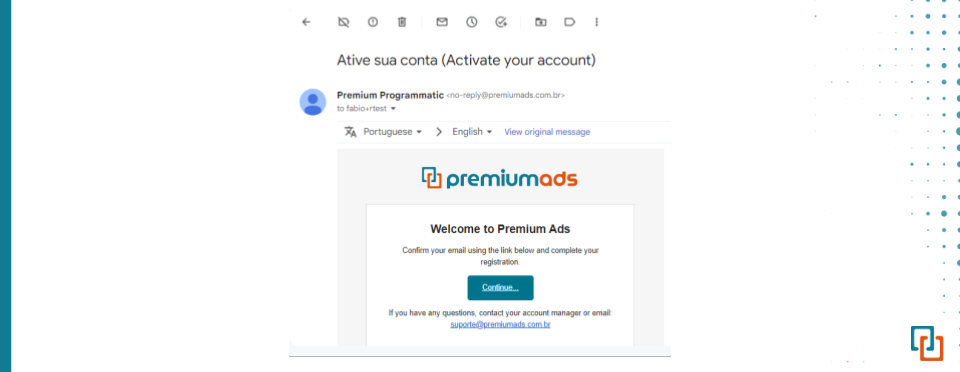
After meeting & signing agreements with PremiumAds team, you will receive an account activation email. Click continue.
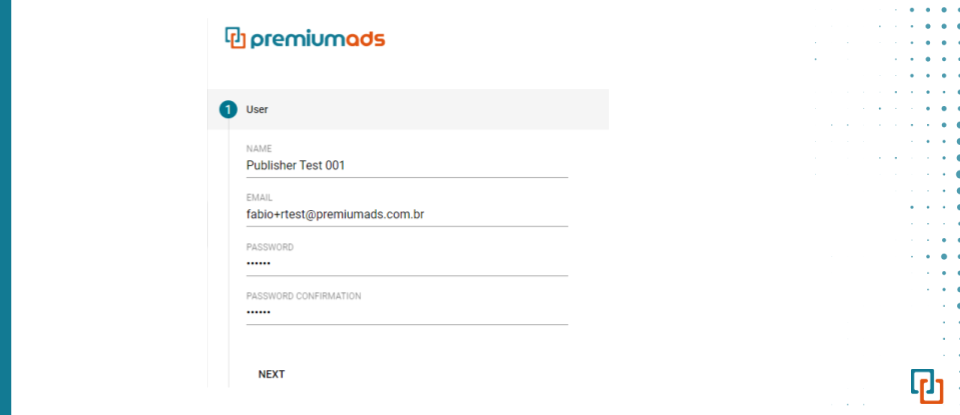
A new window will appear, create your password and fill all fields of the items:
Basic information
-
Select your legal type: individual or company.
-
Enter your password. It can be any combination of letters, numbers, and symbols. Create a strong password and keep it secure.
-
Enter the URL of your primary website that you own & operate
Prequesitions:
- You must be the legal owner of the site,
- URL must not have a path (e.g., example.com/path), but may contain a subdomain (e.g., subdomain.example.com)
- It must not contain any parameters (e.g., example.com/?q=target)
- Registration is possible with only one primary site URL. If you have more than one site, you will be able to add more sites further on in your PremiumAds account.
- Provide your Payment & Billing Information
Additional information for Google Ad Exchange
- Select your country of residence (for individuals) or country of registration (for companies).
- Enter your company name or Enter your full name in the format first name + last name (e.g. John Smith).
- Enter your full address of residence (for individuals) or your legal address (for companies).
- Enter your town/city.
- Enter your ZIP postcode.
- Enter your phone number in the international format. Phone numbers in international format begin with a plus (+) sign, followed by the country code, the area code, and the phone number (e.g. +1 123 4567890).
- Confirm that your site is compliant with PremiumAds Entry Standards.
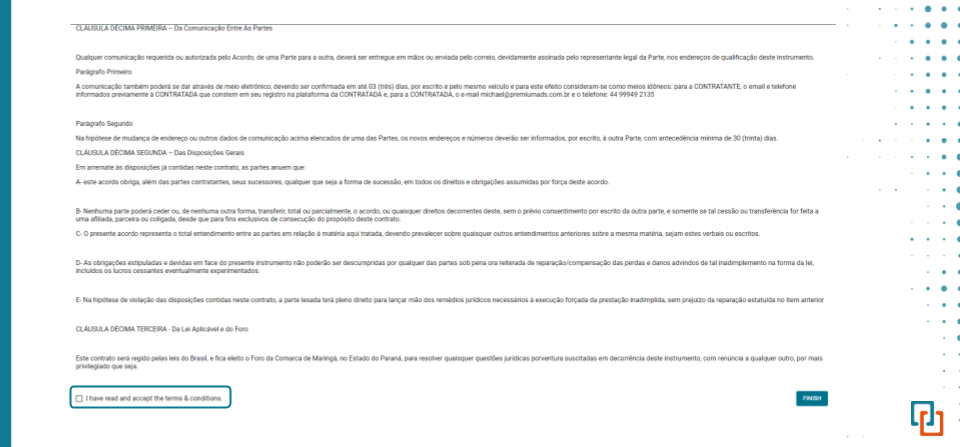
- Review and accept PremiumAds terms and conditions for publishers.
- Click sign up.
Confirm & Access your Publisher Dashboard
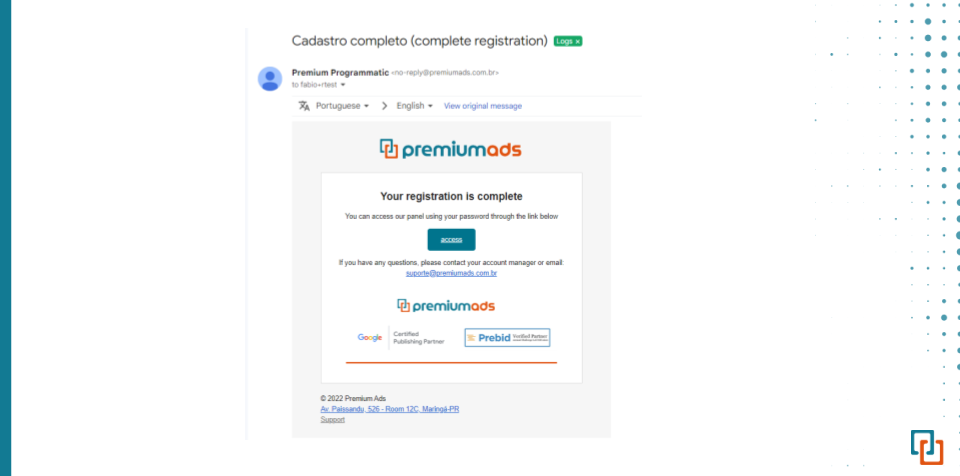
A registration confirmation email will be sent. Click the link attached to be re-directed to your publisher dashboard
Congratulations!
Your PremiumAds account has been created. You can submit more than one site for approval by adding new sites in your PremiumAds account.