PremiumAds MAX Adapter
The PremiumAds MAX Adapter is a custom network adapter built and maintained by PremiumAds for AppLovin MAX. It's the successor to the Generation 1 AppLovin MAX integration, which mediated PremiumAds through AppLovin's own Google Ad Manager adapter — this adapter connects MAX directly to PremiumAds instead.
Supported formats: Banner, MREC, Interstitial, Rewarded, Native
App Open is not supported. AppLovin MAX does not support App Open ad format for custom network adapters.
Prerequisites
- The AppLovin MAX SDK already integrated in your app
Configure the Custom Network / Custom Adapter
-
Go to https://max.applovin.com/o/mediation/networks and click Create Custom Network.
-
Fill in the network details:
Field Value Network Type SDKCustom Network Name PremiumAds Custom AdapteriOS Adapter Class Name PremiumAdsAdapterAndroid / Fire OS Adapter Class Name net.premiumads.sdk.adapter.max.PremiumAdsAdapter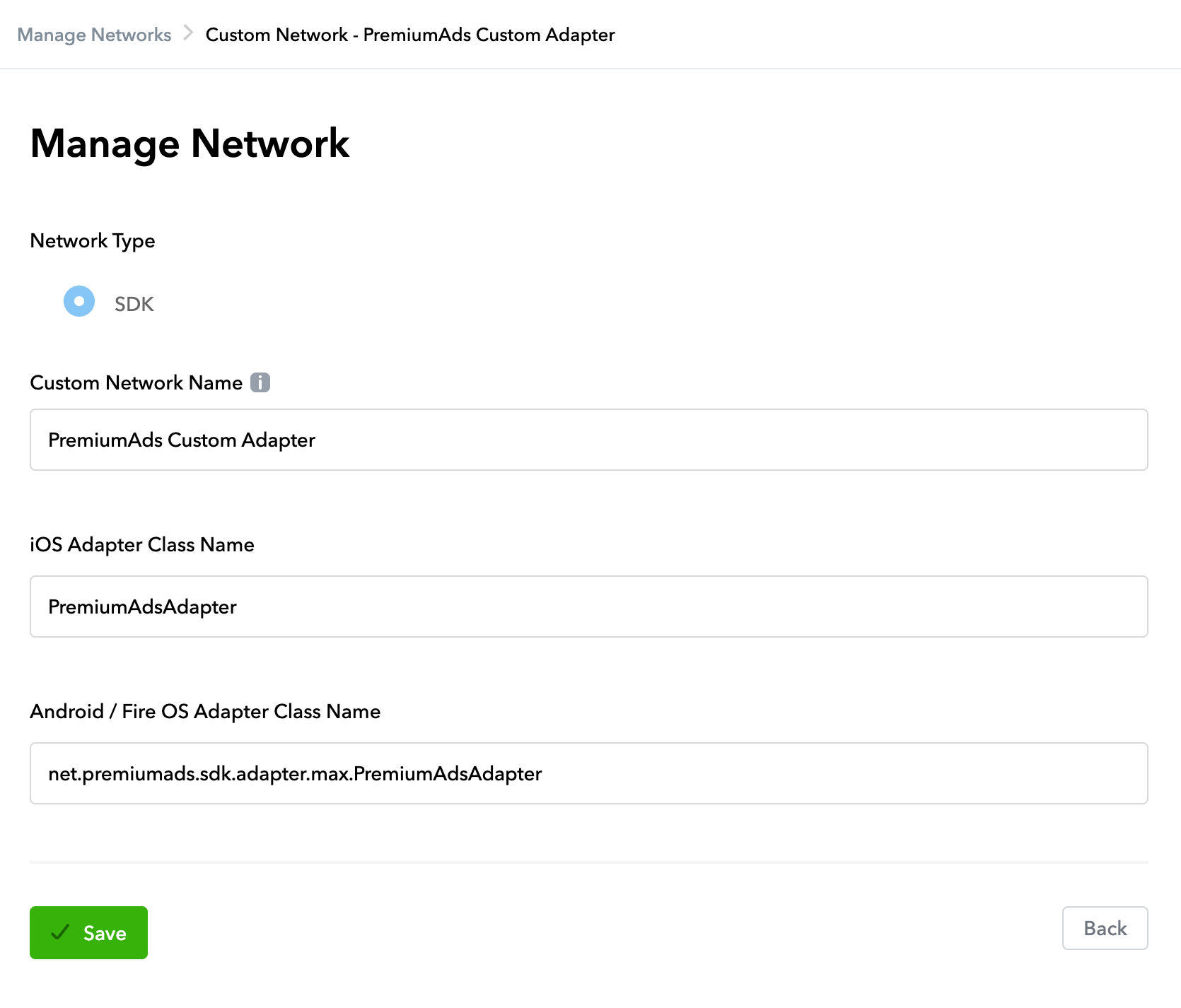
-
For each ad unit you want PremiumAds to fill, enable the network and set:
Field Value Placement Your PremiumAds ad unit ID CPM Your desired bid/eCPM
The same class name works for all supported ad formats. The adapter auto-detects the format from the MAX mediation request.
Changes to ad units or waterfall configuration take 30–60 minutes to propagate in the MAX dashboard.
Enable test ads
Enable test ads for your ads integration. It's recommended that you enable test ads during development so you can test clickthrough behavior without affecting your reservation campaigns' stats or charging advertisers on PremiumAds Exchange, see Test Ads.
Platform & Framework Guides
Pick your integration path:
- Android — native Android (Gradle / JFrog Maven)
- iOS — native iOS (CocoaPods / SPM)
- Unity
- Flutter
- React Native
- Cocos Creator
- Cocos2d-x
- Unreal Engine
Support
Contact your PremiumAds account manager or email [email protected]