Applovin MAX
This is the Generation 1 integration. It mediates PremiumAds through AppLovin's own Google Ad Manager adapter — you connect PremiumAds as a network under the "Google Ad Manager - Premium Ads" Connect flow in the MAX dashboard, and ad requests are served through AppLovin's GAM adapter rather than a PremiumAds-built adapter.
For the newer custom network adapter built and maintained by PremiumAds directly, see the Max Adapter section instead.
Prerequisites
- Integrate the MAX SDK if you haven't done that, simply follow these steps.
- Integrate Google Ad Manager Adapter
Step 1: Connect PremiumAds in Networks Setup
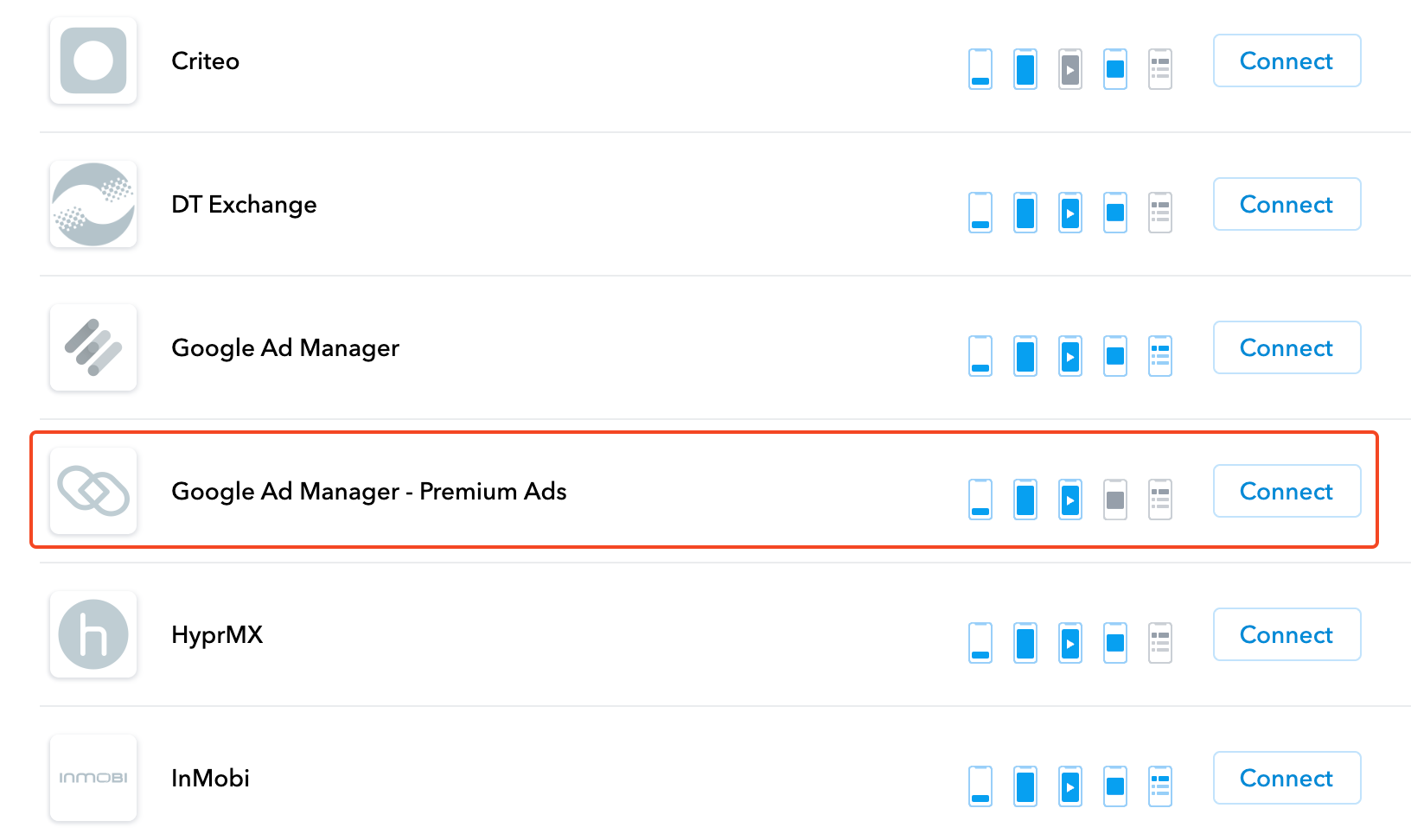
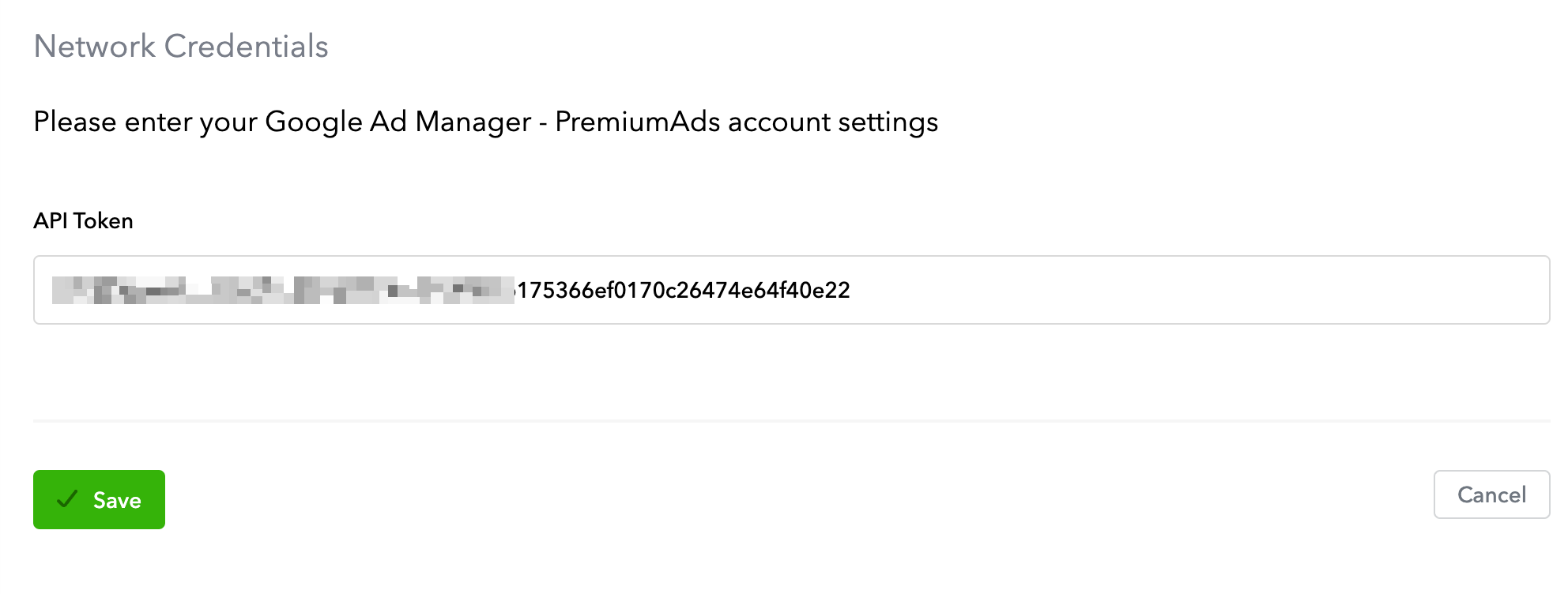
Get your access token HERE
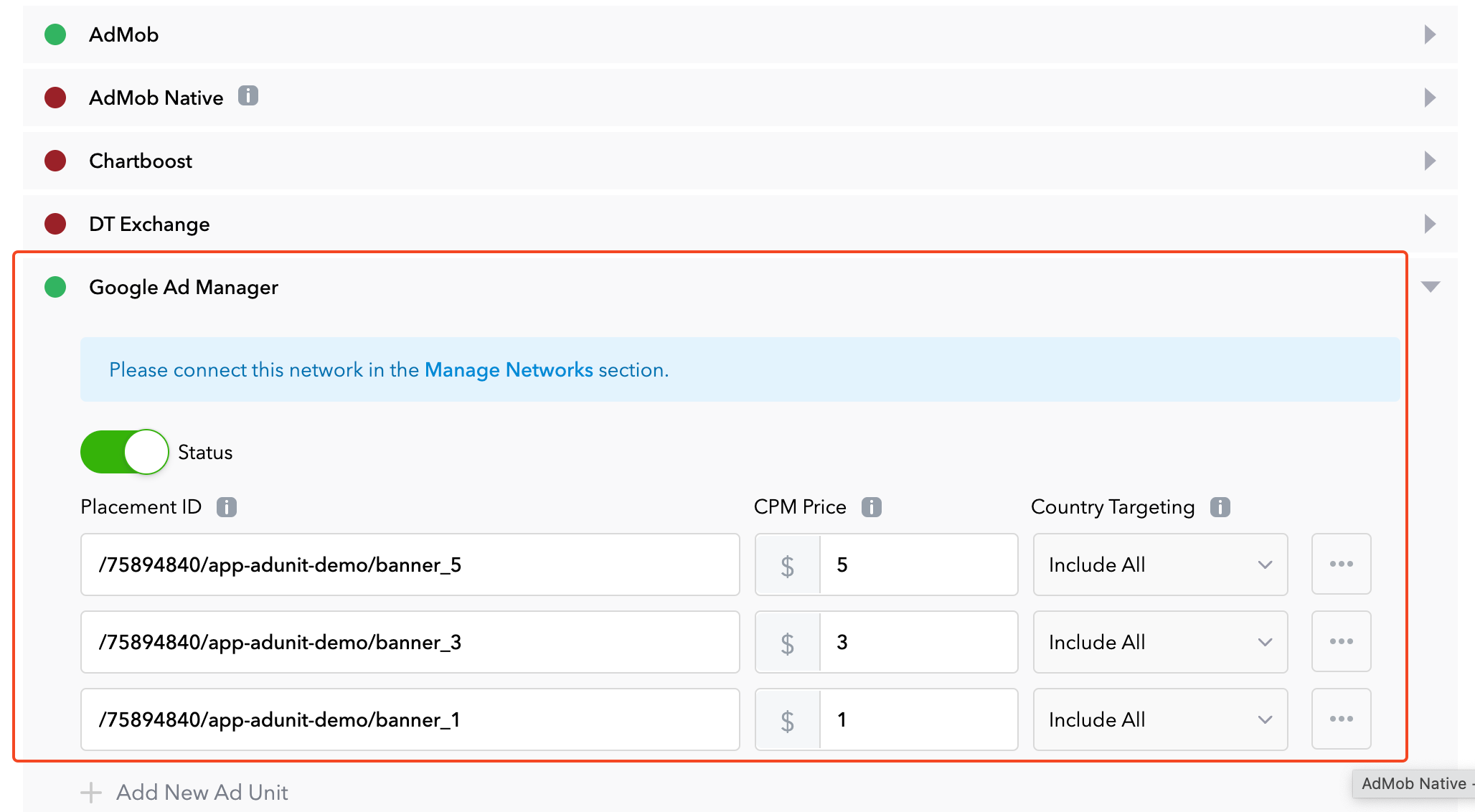
Step 2: Set up PremiumAds ad unit
Enable test ads
Enable test ads for your ads integration. It's recommended that you enable test ads during development so you can test clickthrough behavior without affecting your reservation campaigns' stats or charging advertisers on PremiumAds Exchange, see Test Ads.
Congratulations, you can now monetize your game/app with PremiumAds through Applovin MAX mediation