AdMost
Prerequisites
- Integrate the AdMost SDK if you haven't done that, simply follow this.
- Integrate AdMob adapter (PremiumAds uses Google Mobile Ads SDK to delivery ads, so it needs to be intergrate Admob adapter)
- Android
- iOS
    implementation 'com.admost.sdk:amr:2.7.4'
    implementation 'com.google.android.gms:play-services-base:17.1.0'
    implementation 'com.google.android.gms:play-services-ads:21.4.0'
    implementation 'com.admost.sdk:admob-gt-19.7.0-adapter:1.1.4.a35'
source 'https://github.com/CocoaPods/Specs.git'
platform :ios, '8.0'

use_frameworks!

target 'MyAwesomeTarget' do
#core SDK
pod 'AMRSDK', '~> 1.5'
#mediation adapters
pod 'AMRAdapterAdmob', '~> 10.2'

end
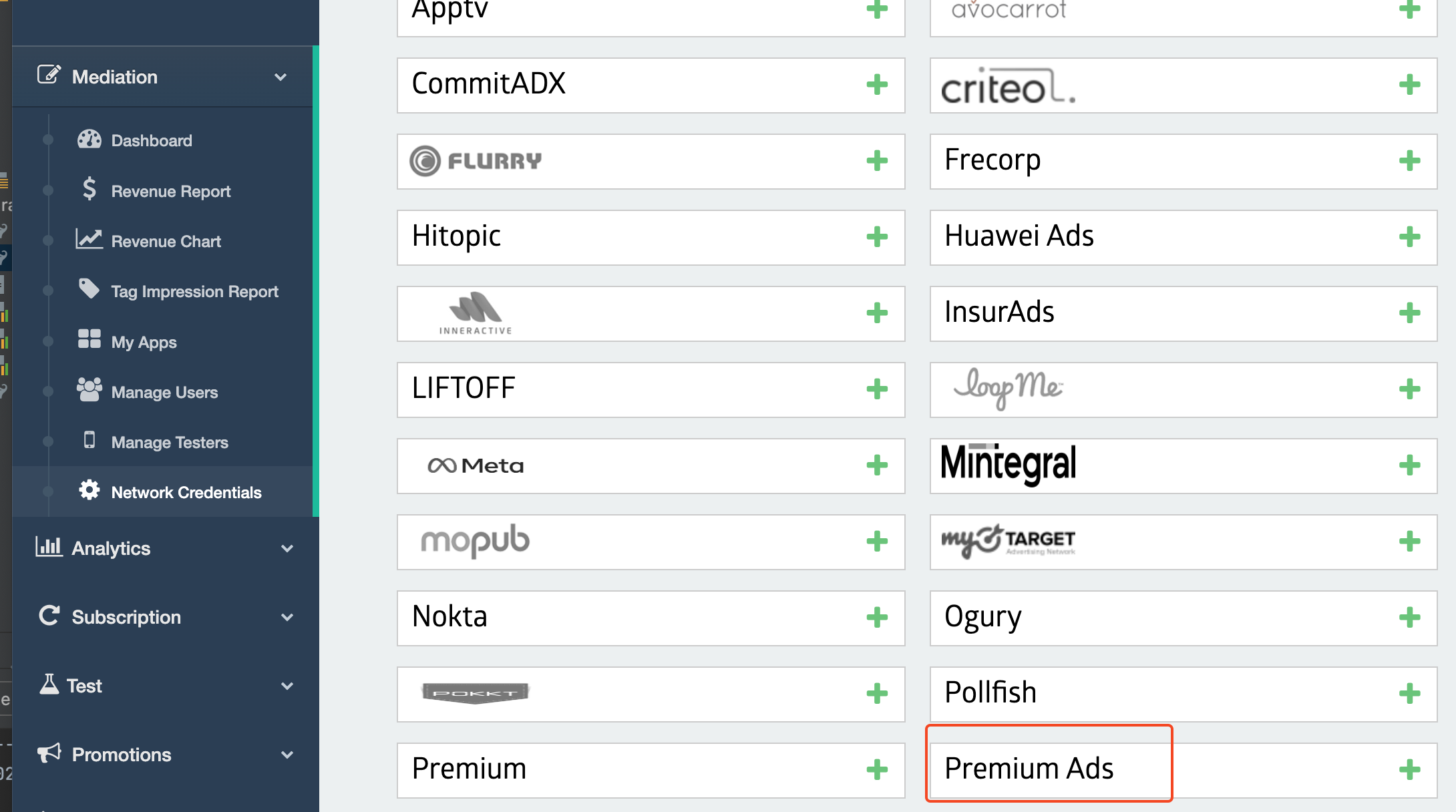
Step 1: Active PremiumAds in Ad Networks Setup
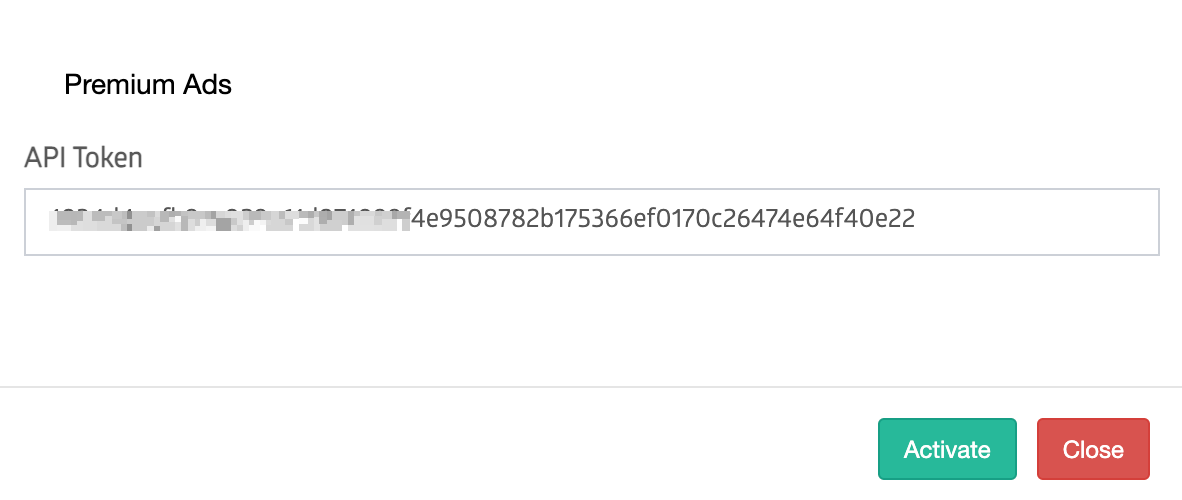
Enter your Reporting API key (Get your access token HERE)
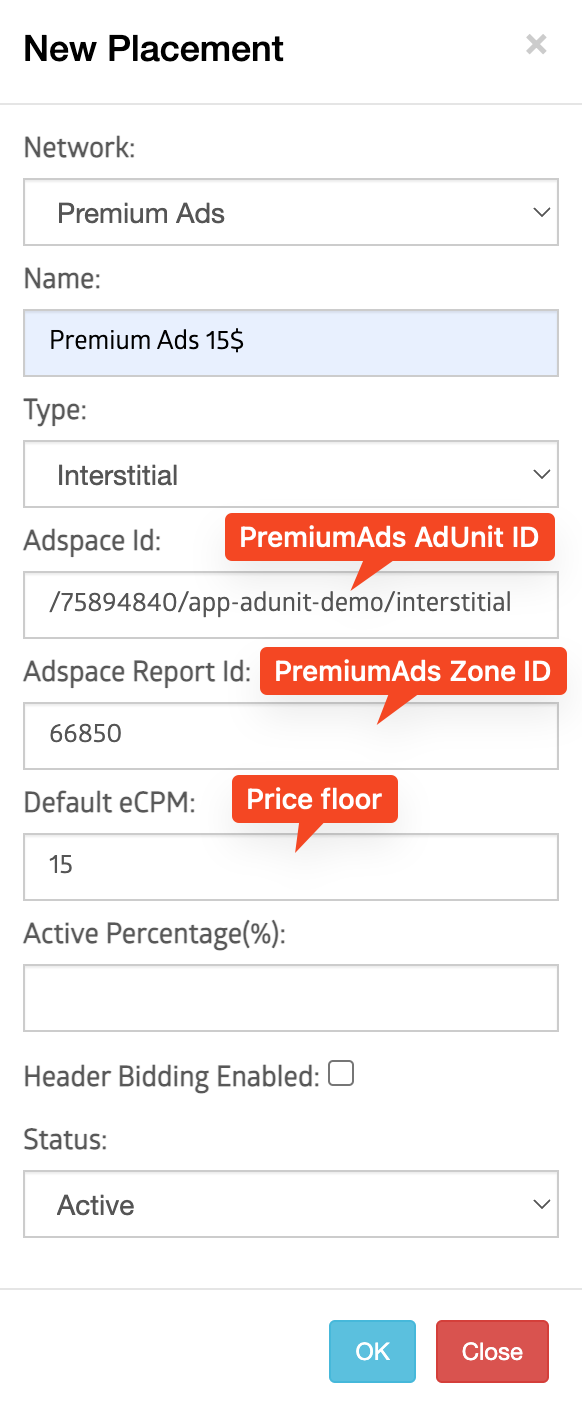
Step 2: Set up PremiumAds Placement
Enable test ads
Enable test ads for your ads integration. It's recommended that you enable test ads during development so you can test clickthrough behavior without affecting your reservation campaigns' stats or charging advertisers on PremiumAds Exchange, see Test Ads.