Appodeal
Prerequisites
- Integrate the Appodeal SDK if you haven't done that, simply follow this.
- Integrate Google Mobile Ads SDK adapter
Enable Google Ad Manager
Android
In your app’s AndroidManifest.xml, add a <meta-data> tag inside the <application> tag, as in the example below:
<?xml version="1.0" encoding="utf-8"?>
<manifest … >
    <application … >
        <meta-data
              android:name="com.google.android.gms.ads.AD_MANAGER_APP"
              android:value="true"/>
        ⋮
    </application>
</manifest>
iOS
In your app’s Info.plist, add a GADIsAdManagerAppkey with the Boolean value of YES.

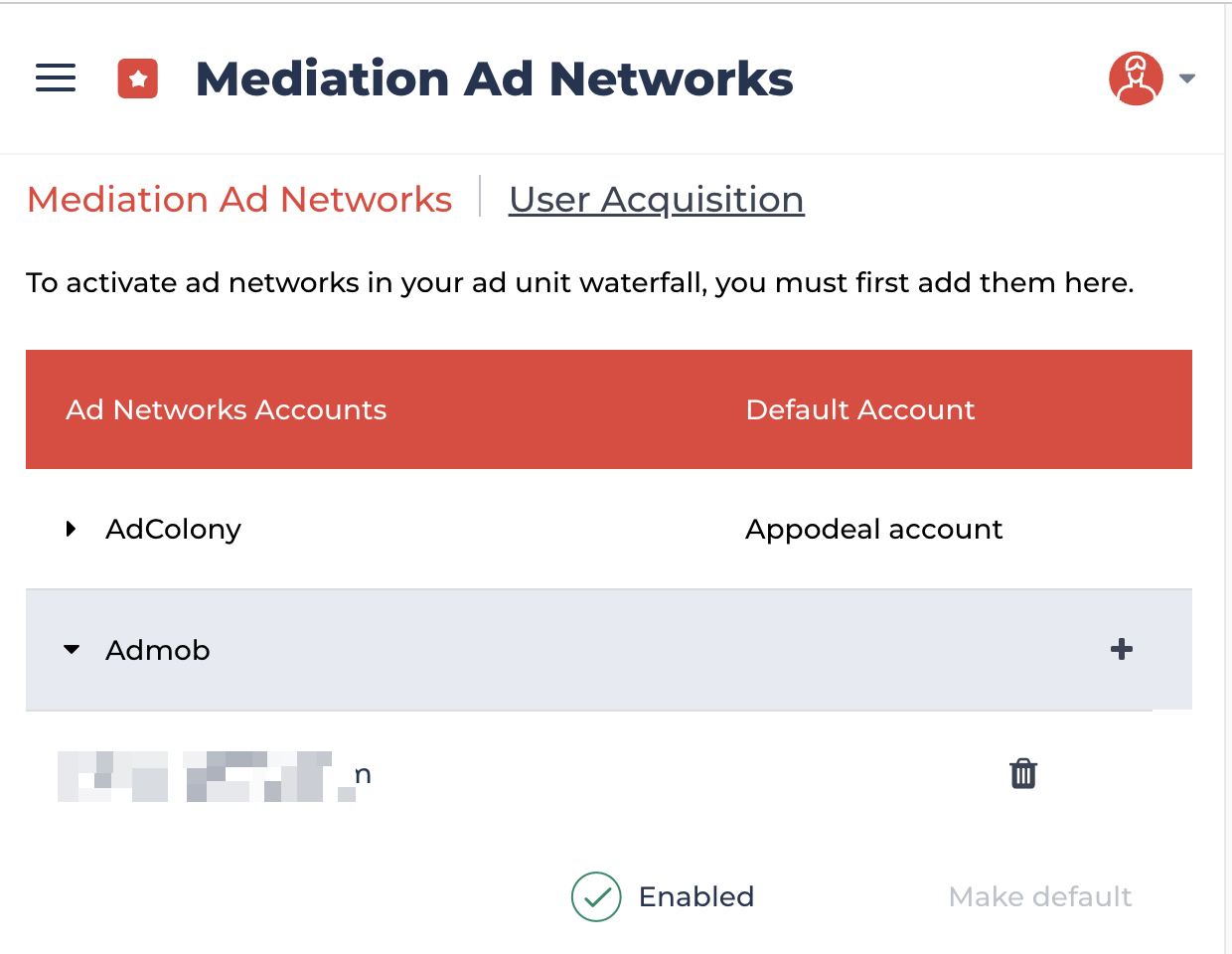
Step 1: Active Google AdMob in Mediation Ad Networks Setup
PremiumAds uses Google Mobile Ads SDK to delivery ads, so it needs to be active Admob Ad Network
Step 2: Set up PremiumAds Line item
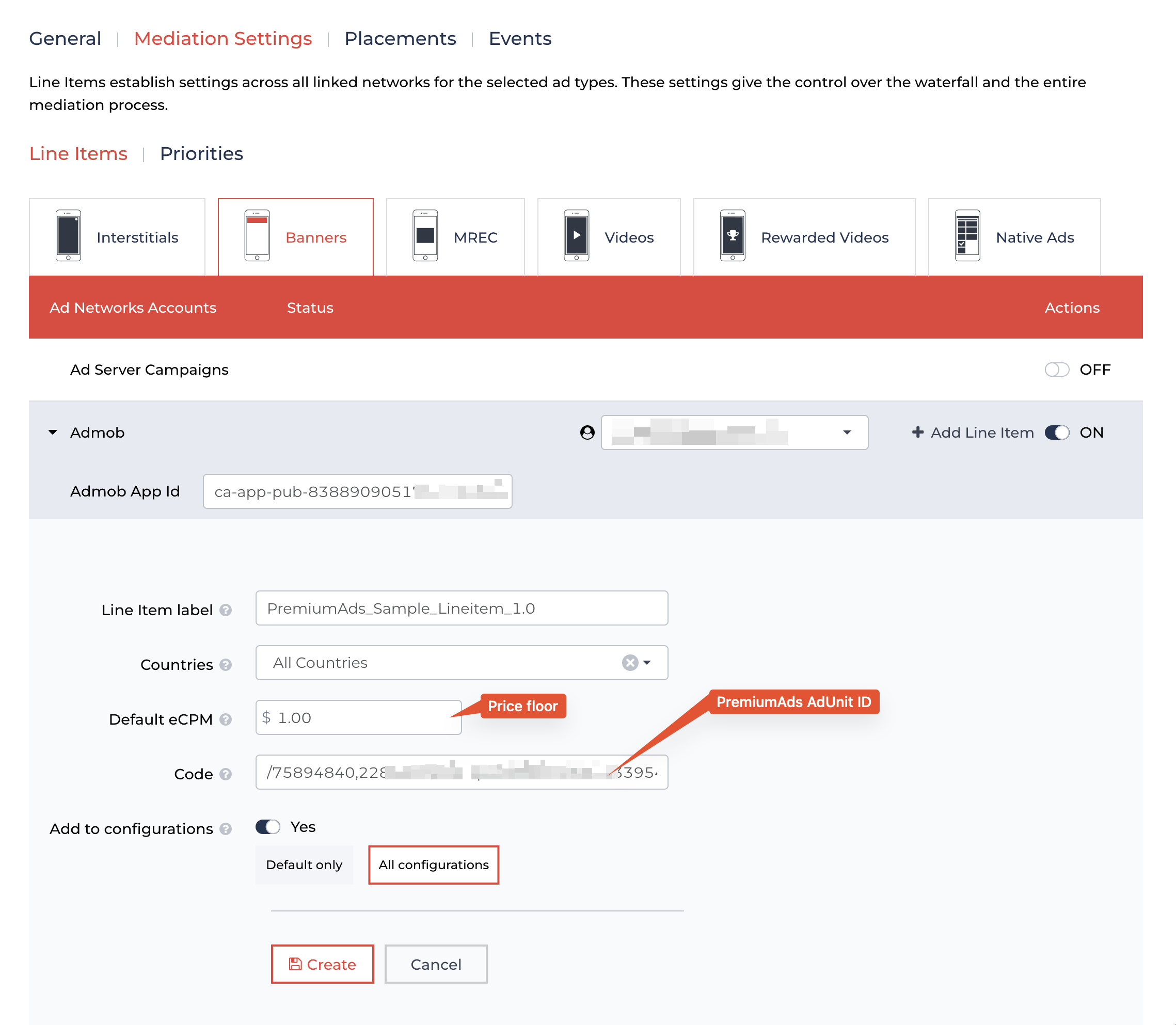
Create new Admob Line item